A slow WiFi connection can be frustrating, especially when you rely on the internet for work, entertainment, and communication.
Router Placement
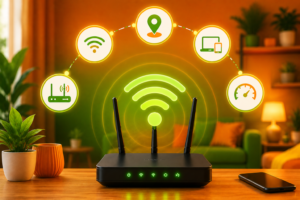
The placement of your router plays a crucial role. Keep it in a central location, away from walls and obstructions.
Reduce Interference
Devices like microwaves and cordless phones can interfere with signals. Keeping your router away from them improves performance.
Upgrade Your Router
Older routers may not support higher speeds. Investing in a modern router improves speed and coverage.
Limit Connected Devices
Too many connected devices divide bandwidth, causing slow speeds. Disconnect unused devices.
Use Wired Connection
For gaming or video calls, use Ethernet connection for better stability.
Update Firmware
Regular updates ensure better performance and security.
Use Extenders
WiFi extenders or mesh systems help remove dead zones in large homes.
Choose Right Plan
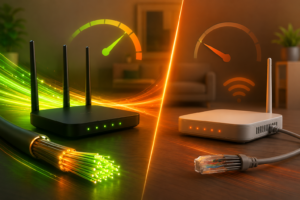
Upgrading to a higher-speed fiber plan improves overall experience.
In conclusion, small optimizations can significantly improve your WiFi speed and performance.